AI Video Editing Tools - Create Pro Videos Without Skills
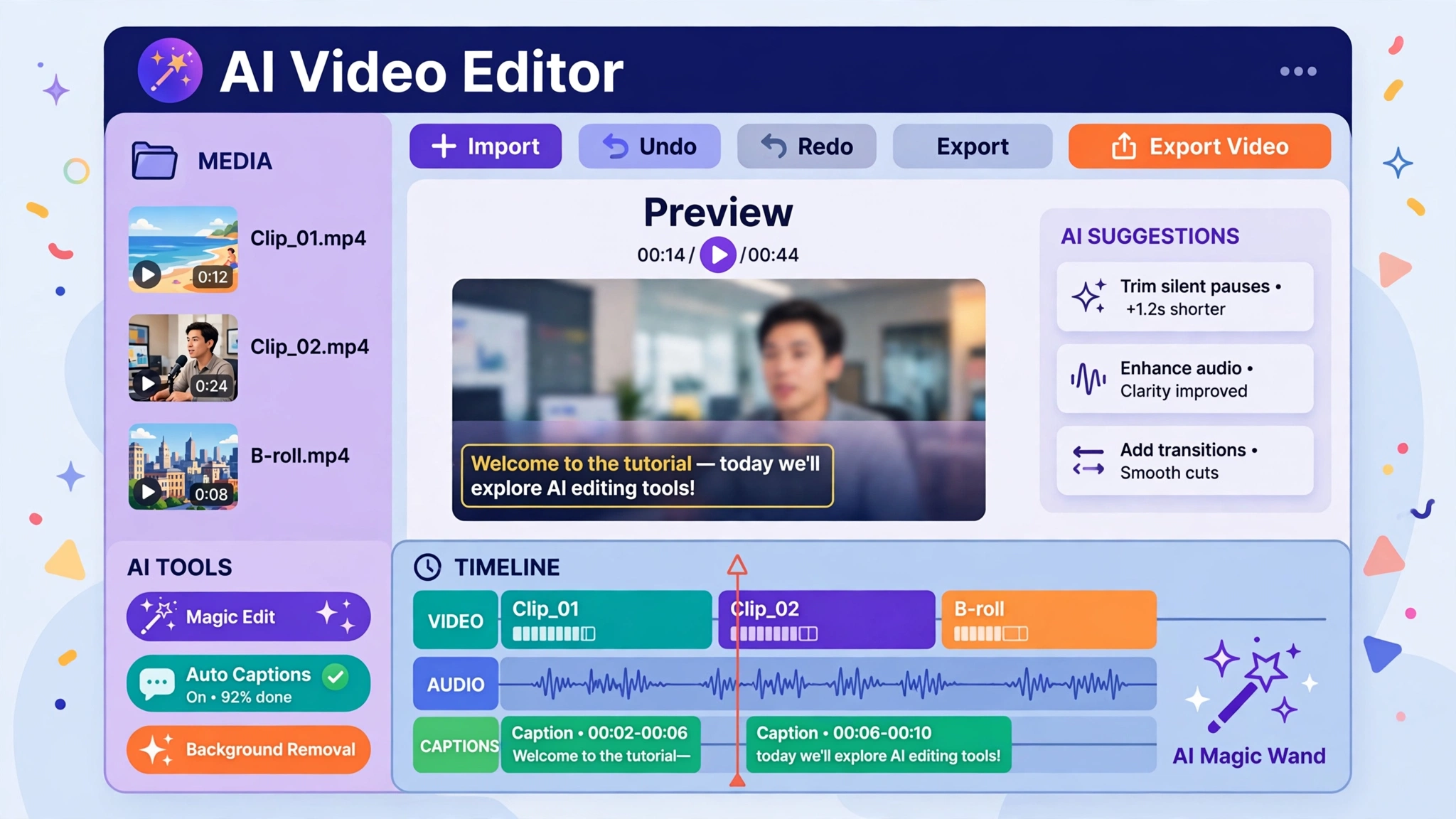
Table of Contents
1. Introduction: Why AI Video Editing Tools Are Changing Everything
Video is king in 2026. But editing used to take hours, expensive software, and pro skills. Not anymore. AI video editing tools now let anyone create professional YouTube videos, Reels, TikToks, and ads in just 10-15 minutes — without any editing skills.
If you are a beginner, small business owner, student, or content creator from Pakistan or anywhere in the world, this guide is for you. I tested 20+ tools to bring you only the best AI video editing tools that actually work, many with free plans.
According to Wistia, 86% of businesses use video as a marketing tool, and AI editing cuts editing time by 70%. Let's dive in.
2. What Are AI Video Editing Tools?
AI video editing tools are software powered by artificial intelligence that automate the boring parts of video editing. Instead of you manually cutting, adding subtitles, balancing color, you just upload raw footage and AI does it for you.
Core Features You Get:
- Auto Cut & Silence Removal: AI removes umms, long pauses automatically.
- Auto Captions & Subtitles: 99% accurate subtitles in Urdu, English, Hindi.
- Text-to-Video: Type a script, get a full video with stock footage + voiceover.
- AI Avatars & Voiceover: No need to show face. AI presenter speaks your text.
- Smart B-Roll & Music: AI finds relevant clips and adds copyright-free music.
These AI video editing tools are perfect for creating pro videos without skills because you don't need to learn Premiere Pro or After Effects.
3. Top 12 Best AI Video Editing Tools in 2026 (Free & Paid)
Here are my top picks after testing. I included free options for beginners.
3.1 CapCut AI - Best Free AI Video Editor
Free, powerful, and everyone uses it. Auto captions, auto cut, background remover, and trending templates. Ideal for TikTok and Reels. If you are starting, start here. Try our Free Tools at ToolBaba.site to resize images before upload.
3.2 Descript - Edit Video Like a Word Doc
Delete a word from transcript and video auto-cuts. Magic filler word removal. Great for podcasts and YouTubers who talk a lot.
3.3 Pictory - Text to Video in 3 Minutes
Paste your blog post link, Pictory turns it into a video with voiceover. Bloggers love it. You can turn this very blog into a video!
3.4 InVideo AI - Best for Ads & Promo
Prompt: "Create a 30-sec ad for my clothing shop" → AI generates full video. 5000+ templates. Need a quick promo? Check ToolBaba Image Resizer.
3.5 Runway ML - Hollywood-Level AI Effects
Remove background without green screen, motion tracking, AI slow motion. Used by filmmakers. Free tier gives 125 credits.
3.6 OpusClip - Long Video to Viral Shorts
Upload a 1-hour video, AI finds viral moments and creates 10 shorts with captions. Perfect for repurposing YouTube to TikTok.
3.7 Veed.io - Simplest Online Editor
Browser-based, no install. Auto subtitles, AI eye contact correction, noise removal. We recommend using ToolBaba Image Resizer to size your thumbnails first.
3.8 Synthesia - AI Avatar Presenter
120+ AI avatars speaking 140 languages including Urdu. Create training videos without camera.
3.9 - 3.12 Other Honorable Mentions
Canva Video AI, Adobe Premiere Pro AI (Firefly), Lumen5, and Wisecut — all great AI video editing tools with auto beat-sync, template libraries, and brand kits.
💡 Quick Comparison:
Free & Easy → CapCut, Veed.io, Canva | Text-to-Video → Pictory, InVideo | Pro Editing → Runway, Descript | Shorts Automation → OpusClip | Face-less Videos → Synthesia
4. How to Choose the Right AI Video Editing Tool?
Don't pay for all tools. Ask 3 questions:
- What's your goal? TikTok/Reels → CapCut. YouTube → Descript. Faceless business videos → Synthesia or Pictory.
- What's your budget? Start free. Most AI video editing tools have free plans with watermark. Upgrade only when you earn.
- Do you need Urdu support? CapCut, Veed, and Synthesia support Urdu captions best.
Pro tip: Use ToolBaba.site All-in-One Tools to handle extra steps like image compression, thumbnail creation, and QR code generation for free.
5. Step-by-Step Workflow: Create Pro Videos Without Skills in 15 Minutes
Here is my exact workflow I use for ToolBaba.site YouTube shorts:
Step 1: Script (2 min) – Write 150-word script or use ChatGPT. Use simple English.
Step 2: Generate Video (5 min) – Paste script into Pictory or InVideo AI. Choose voice "Adam - Professional" and aspect ratio 9:16 for Reels.
Step 3: Auto Edit (3 min) – Let AI add b-roll, captions. Then use CapCut AI to auto-reframe and add trending captions style (bold, word-by-word).
Step 4: Polish (3 min) – Remove background noise, add auto background music at 15% volume. Export in 1080p.
Step 5: Optimize & Upload (2 min) – Optimize your thumbnail with ToolBaba Image Compressor, then upload. Done!
This workflow works even if you have never edited before. That's the power of AI video editing tools.
6. Pro Tips to Make Videos Look Professional (Without Skills)
- Always add captions - 85% of videos are watched on mute.
- Use hook in first 3 seconds: "Stop wasting time editing..."
- Keep cuts every 2-3 seconds to maintain attention.
- Use consistent brand colors - violet, black, white like ToolBaba.site.
- Add subtle zoom in/out (Ken Burns) - most AI tools do this automatically.
7. Frequently Asked Questions (FAQ)
Are AI video editing tools really free?
Yes! CapCut, Canva Video, Veed.io free plan, Runway free tier are 100% free. They put small watermark sometimes. For pro use without watermark, plans start at $15/month. You can start free and upgrade later.
Can I create pro videos without any skills using AI?
Absolutely. That's the whole point of AI video editing tools. You type text, AI creates video, adds captions, cuts silences, adds music. No need to learn timeline editing. My 12-year-old cousin made his first YouTube video with CapCut AI in 20 minutes.
Which AI video editing tool is best for beginners in Pakistan?
CapCut AI is best for beginners in Pakistan because it's free, works on low-end mobile, supports Urdu captions, and has local templates. Veed.io is second best if you prefer browser editing. Both work fine with slow internet.
Do AI video editors support Urdu language?
Yes! Top AI video editing tools like CapCut, Veed.io, Synthesia, and Pictory support Urdu auto-captions and voiceovers. You can type Urdu script and get Urdu video. Perfect for local Pakistani audience.